
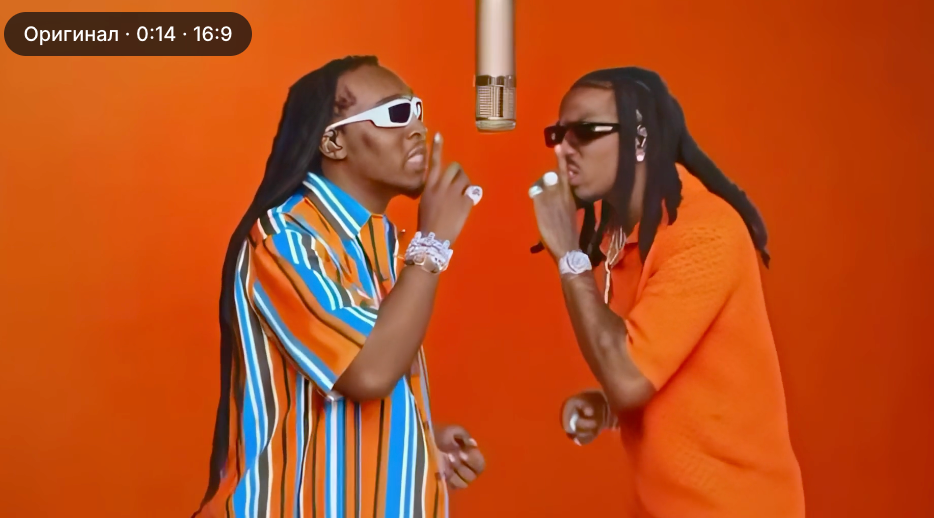
How to create a Hotel Lobby video, you won't need an original video, a promo, or a video editor. Just go to the section page of the ready-made Hotel Lobby AI template and send two snapshots: The first one will turn into the hero on the left, the second one will turn into the hero on the right. A couple of minutes of waiting, and a clip is ready in which you and your friend rap at the microphone on an orange background.
The Migos AI Hotel Lobby has a ready—made template: an orange studio, a microphone on a wire, plastic performers and camera behavior are already assembled in it. The service opens in a regular browser, equally on a smartphone and on a computer.
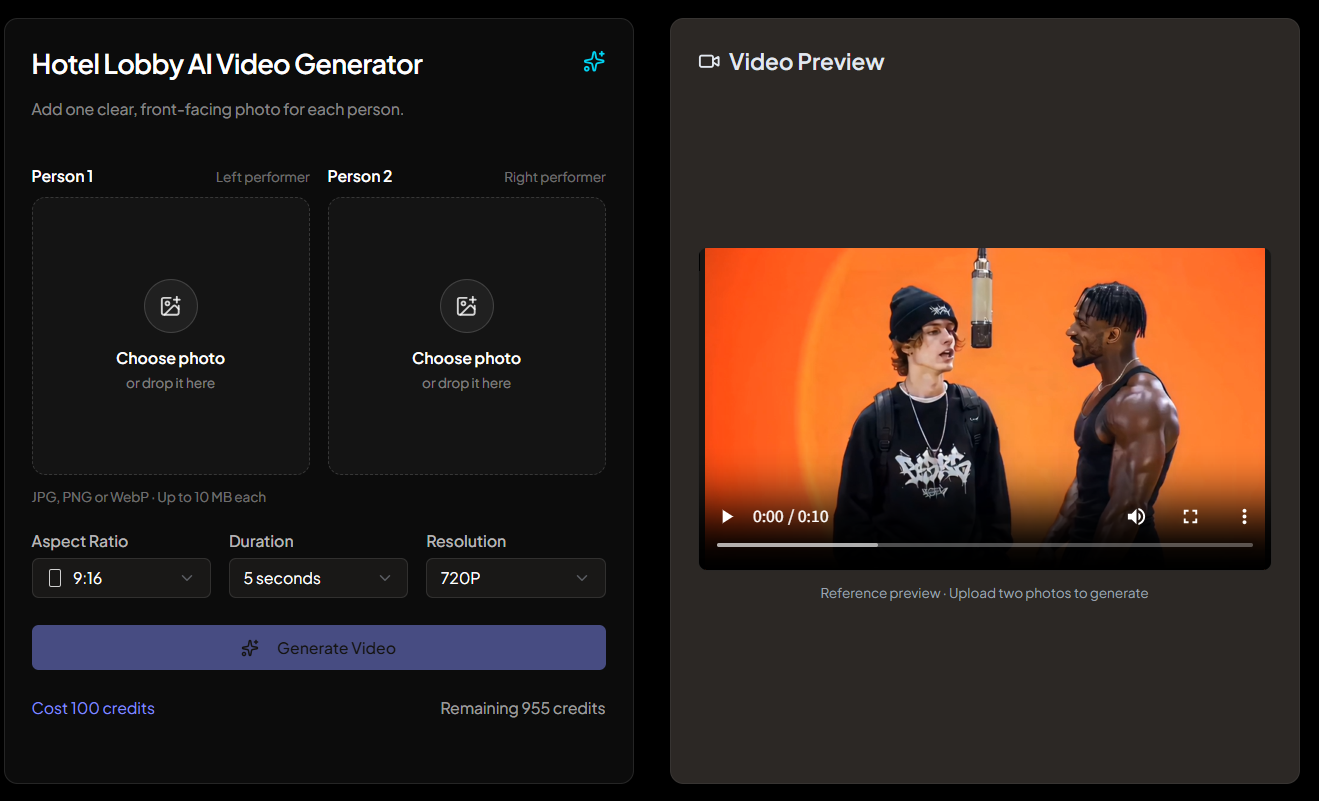
How to make a Hotel Lobby Trend through AI: 3 steps
Go to the Hotel Lobby AI template page.
Add two photos strictly in turn: first the left rapper, then the right one.
Click start, wait for the generation to end — usually in a few minutes — and download the video to your phone or computer.
This is the end of the step-by-step instructions. Below, we'll look at which images are taken by similar faces, where the microphone trend came from, and how to assemble your own version if there's not enough of a template.
The two roles in Hotel Lobby look the same, but they have different temperaments. It depends on who to put where, whether the video will be funny.
Photo 1 — the rapper on the left. This is the frontman: he throws his head back, actively works with his hands and takes over the entire frame. A man is asking for this place, around whom everything revolves in life.
Photo 2 — the rapper on the right. He catches the endings of the lines, shakes his head to the beat and acts out the reaction to his partner. Someone restrained and serious looks best here: the comic effect is born precisely from the contrast.
Man or woman, it doesn't matter for the role. It is convenient for a couple to decompose like this: you are on the left, the other half is on the right. To colleagues, the boss is at the microphone, and the most silent employee is singing along.
Which photos are suitable for neural networks for AI video with a microphone
For each role, the neural network receives a single frame and completes the person in motion using it. What is not in the picture, the model composes herself — this is how someone else's cheekbones and "not his" nose appear. The photos that work best are those in which:
-
It was shot by one person, no group shots.;
-
The whole face is exposed: no sunglasses, no cap, no mask, no palm under the chin;
-
A full-face angle or a slight three-quarter turn, but not a profile;
-
Soft daylight without harsh shadows and without beauty filters;
-
The figure gets into the frame at least up to the waist, then the clothes and proportions are conveyed more accurately.;
-
The image is clear: a blurry screenshot from stories almost guarantees a "floating" face.
Common mistakes in the Hotel Lobby trend and how to fix them
-
The heroes were out of place. Check the order: the first picture always goes to the left role, the second to the right.
-
The face is dissimilar or "slides out" closer to the finale. Change the source to a sharp full-face portrait, without glasses and filters.
-
The skin is like that of a wax figure. The photo was passed through a beauty filter. Take the original without retouching.
-
Strange build or clothes. There was only one face in the frame, the neural network came up with everything else. You need a waist-length or full-length photo.
-
An outsider appeared in the video. There were two people in the original photo — only single shots are suitable.